English
 Chinese
 Vietnam
 Español
 Pусский
 Français
 العربية

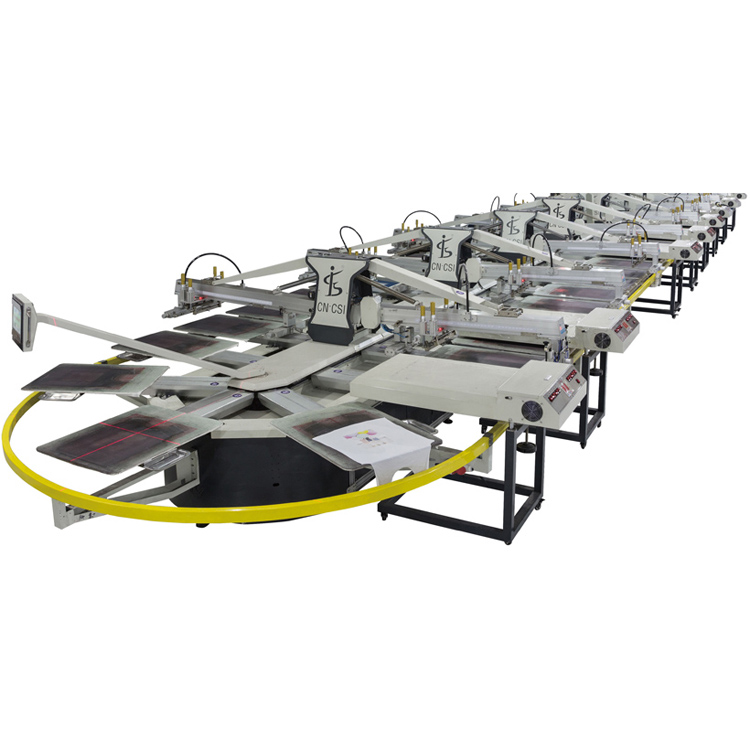
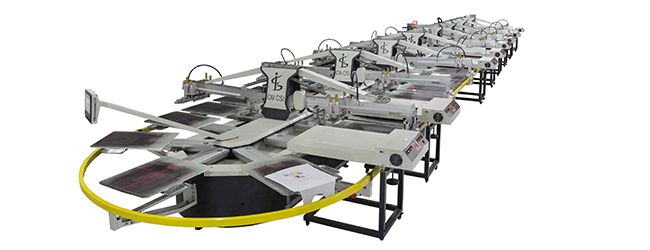
You are running a batch of athletic shoe uppers through the SPO oval screen printing machine. The first few pieces look crisp. Then the design starts blurring at the edges, colors drift out of alignment, and ink coverage becomes patchy. By the time you catch it, a stack of shoe uppers is already marked for rework. A Printing machinery line that produces inconsistent results on textured materials like shoe uppers isn‘t a mystery—the defects follow patterns, and each pattern points to a specific root cause. This guide walks through the six most common problems on oval screen printing presses for footwear, with practical fixes that don’t require rebuilding the machine.
What the printed image tells you
The printed result reveals the problem’s origin before you touch any adjustment.
Blurred edges or ghosting. The design looks soft, with ink bleeding beyond the stencil boundary or secondary images offset from the primary print. This usually points to squeegee pressure too low, off‑contact distance incorrect, or low mesh tension allowing the screen to shift during the stroke.
Uneven ink coverage (patchy or washed out). Some areas have full color; others are thin or missing entirely. Causes include blocked mesh (dried ink clogging the stencil), inconsistent squeegee pressure across the stroke, or ink viscosity off-spec.
Misregistration (colors don‘t align). One color prints over another with a visible gap or overlap. This points to mechanical registration drift—often a loose pallet, worn gripper pad, or misaligned screen frame.
When the machine won’t run or moves wrong
Mechanical and electrical issues can stop production entirely. If the machine fails to start or stops mid‑cycle, check the power supply first—loose plugs, blown fuses, or power failures are common culprits. If the display is dark but power is present, suspect a failed circuit board or battery in the PLC. Abnormal noise or vibration during indexing usually points to the transmission system—listen for rhythmic grinding that follows the pallet movement. Common causes include loose screws on the drive flywheel, worn belts, or insufficient lubrication on the cam follower bearings. For intermittent stopping with no error code, check sensor alignment. Dust or ink buildup on position sensors can cause false triggers that halt indexing. On oval presses with multiple print stations, a misaligned homing sensor prevents the machine from completing the cycle.
Ink problems – coverage, bleeding, and drying
Screen printing relies on proper ink transfer. When coverage suffers, start with the mesh. Ink accumulates on nozzle openings over time because the solvent in the ink evaporates before printing, leaving solid matter that clogs the mesh. Clean the screen thoroughly with the appropriate solvent—never scrape with hard tools that damage the stencil.
Ink bleeding happens when viscosity is too low for the substrate. On textured shoe uppers, thin ink wicks into the material fibers, producing fuzzy edges. Increase viscosity by adding a thickening agent in small increments, or reduce flood coat speed. For water‑based inks on absorbent uppers, pre‑treat the material to seal the fibers before printing.
Ink drying on the screen during long runs causes gradual image degradation. This is worse in hot, dry environments or with fast-evaporating solvents. Add a retarder to the ink and maintain consistent humidity in the printing area.
Getting registration right – aligning colors on textured shoe uppers
Multi‑color designs require each screen to print exactly on top of the previous layer. When colors drift, start by tightening all hardware. Loose bolts on pallet arms, screen clamps, or off‑contact adjustment knobs are the most common cause of registration drift. For oval presses, check the pallet mounting brackets. A pallet that shifts during indexing creates misalignment that gets worse with each additional color. Shoe uppers can shift on the pallet if the adhesive loses tack. Reapply pallet adhesive evenly. Misalignment can also be caused by an uneven belt, incorrect tension adjustment, or a faulty correction device. Run a test print with registration marks, measure the offset, and adjust micro‑registration controls. If the drift appears only on the first few prints after a color change, the screen frame isn‘t seated fully—check the locating pins and clamp pressure.
Speed, squeegee pressure, and setup adjustments
Oval screen printing machines run at 300–900 pieces per hour depending on color count and design complexity. At higher speeds, registration becomes more sensitive to mechanical play.
Squeegee pressure requires balance. Too little pressure leaves a visible mesh pattern in the print; too much pressure forces excessive ink through the screen, causing bleeding and blurring. The optimal pressure depends on mesh count and ink viscosity, but a good starting point is 5–10 N per cm of blade length, adjusting in small increments.
Off‑contact distance (the gap between screen and substrate) is critical on textured shoe uppers. Too little distance leaves mesh marks; too much causes screen snap-off problems and blurred edges. For shoe uppers, start with 2–3 mm off‑contact.
Mesh tension degrades over time. Screens loosen from repeated squeegee pressure. When tension drops below spec (generally 20–25 N/cm for textile screens), the mesh shifts during printing, causing registration drift and blurring. Check tension with a meter before every production run.
Quick reference – diagnose by what you see
| Symptom | Most Likely Cause | First Action |
|---|---|---|
| Blurred edges, ghosting | Squeegee pressure too low or off‑contact incorrect | Increase pressure; verify off‑contact gap (2–3 mm) |
| Patchy ink coverage | Clogged mesh or inconsistent pressure | Clean screen; check squeegee uniformity |
| Ink bleeding beyond stencil | Ink viscosity too low for substrate | Add thickener; pre‑treat material |
| Colors misaligned | Loose pallet or screen clamp | Tighten all bolts; reseat screen frame |
| Uneven color density across print | Uneven pallet height or worn squeegee | Level pallets; replace squeegee blade |
| Machine won‘t index | Sensor blockage or drive belt wear | Clean sensors; inspect belt tension |
| Random stopping with no error | Intermittent sensor signal or loose connection | Check sensor alignment; secure wiring |
Questions from shoe printing operators
Q: Why does the first color print fine but the second color drift on the same shoe upper?
A: This is a pallet alignment issue. The pallet may shift between stations due to worn locking pins or loose mounting brackets. Check the pallet position after each index. Also verify that the screen for the second color has the same off‑contact setting as the first.
Q: Can the same screen mesh be used for both fine lines and solid fills on shoe uppers?
A: Not ideally. Fine lines require higher mesh counts (230–305 threads per inch), while solid fills use lower counts (110–156 TPI) to deposit more ink. For shoe uppers with both fine detail and solid areas, consider separate screens or use a medium mesh (196 TPI) as a compromise.
Q: How often should screens be re‑tensioned?
A: Tension should be checked before every production run. Screens typically require re‑tensioning every 20–30 printing hours, depending on ink type and pressure. When tension variation exceeds 1 N/cm between screens in the same job, print quality will suffer.
Q: What‘s the first thing to check when registration drifts only at high speed?
A: Mechanical play in the drive transmission. At higher indexing speeds, inertia magnifies any looseness in the cam follower bearings, drive belt, or pallet connections. Run the machine at low speed and manually rock each pallet—any perceptible movement indicates wear. Also check the cam roller radial runout; if it exceeds 0.02 mm, replacement is needed.
When to call for service
If you‘ve systematically addressed pressure, off‑contact, mesh tension, and hardware tightness but the machine still produces inconsistent prints, deeper mechanical issues may be present. Worn cam followers, damaged index drive components, or a bent pallet arm require factory‑level repair. Before calling, document which adjustments you‘ve made and their results. Changs International‘s technical support team can provide remote guidance for their SPO series oval screen printing machines.
Engineered for reliable shoe upper printing
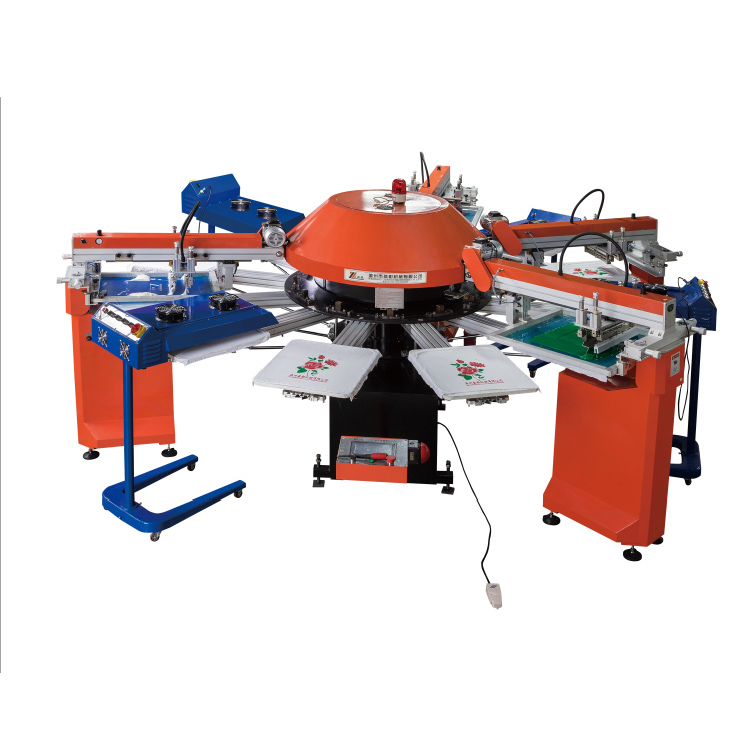
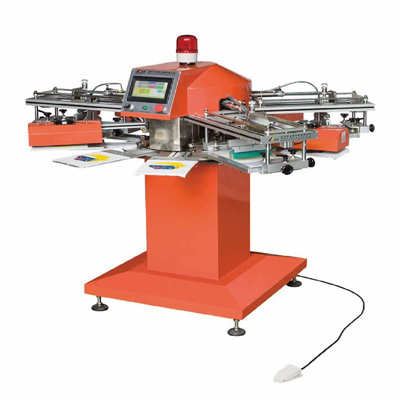
When print consistency on shoe uppers becomes a bottleneck, the design of the Printing machinery itself determines how easily problems can be diagnosed and corrected. Changs International manufactures the SPO oval type automatic screen printing machine for printing shoes upper based on rotary screen printing technology, with modular design and a high‑strength aluminum alloy structure. The main rotation system uses high‑precision servo drive for fast, stable operation.
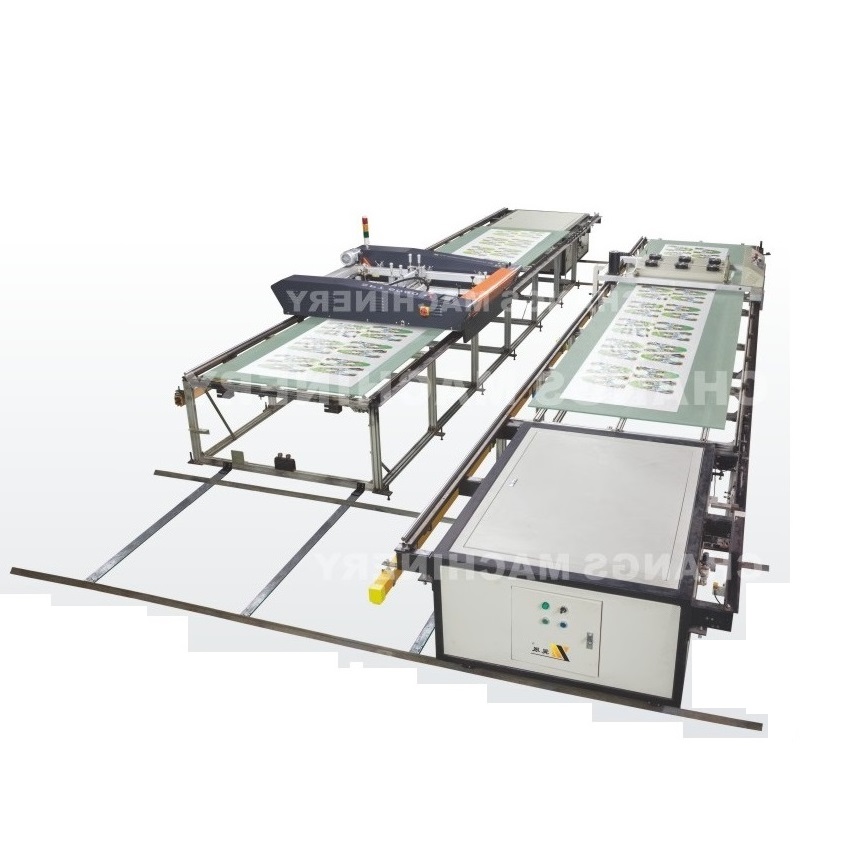
Standard configurations include flocking functionality, solvent ink compatibility, and support for water‑based and plastisol inks. The machine is suited for fabric sheets, garment printing, and flocking processing, with applications extending to nonwoven bags, shoe soles, and umbrellas. The open oval layout occupies less space than rotary carousel designs and allows customizable workstations. Automation features include automatic screen sleeve loading and auto‑adjusted print pressure. With applications across textiles, shoe soles, nonwoven bags, and umbrellas, Changs International provides market‑leading printing technology for packaging and flexible materials.
→ Request a quote from Changs International for the SPO oval type automatic screen printing machine for printing shoes upper — Share your target daily output, number of colors, and substrate types (shoe upper material, fabric, etc.). Their technical team can recommend the right configuration and provide setup guidance for your specific application.